One moment, every day
起きろ
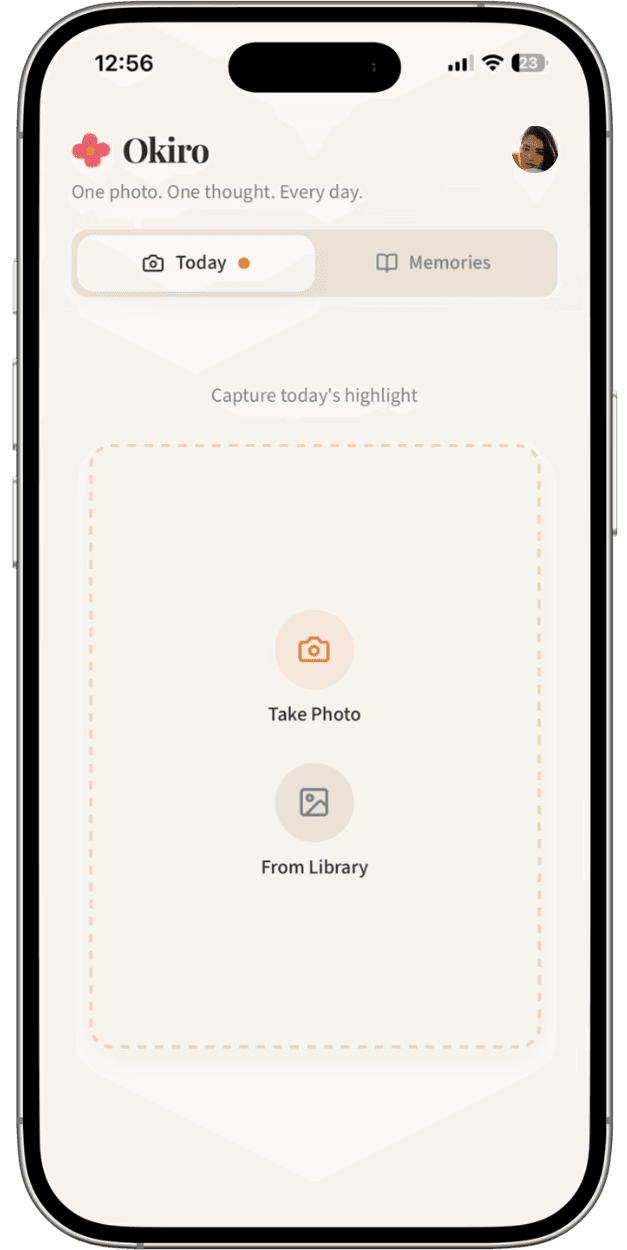
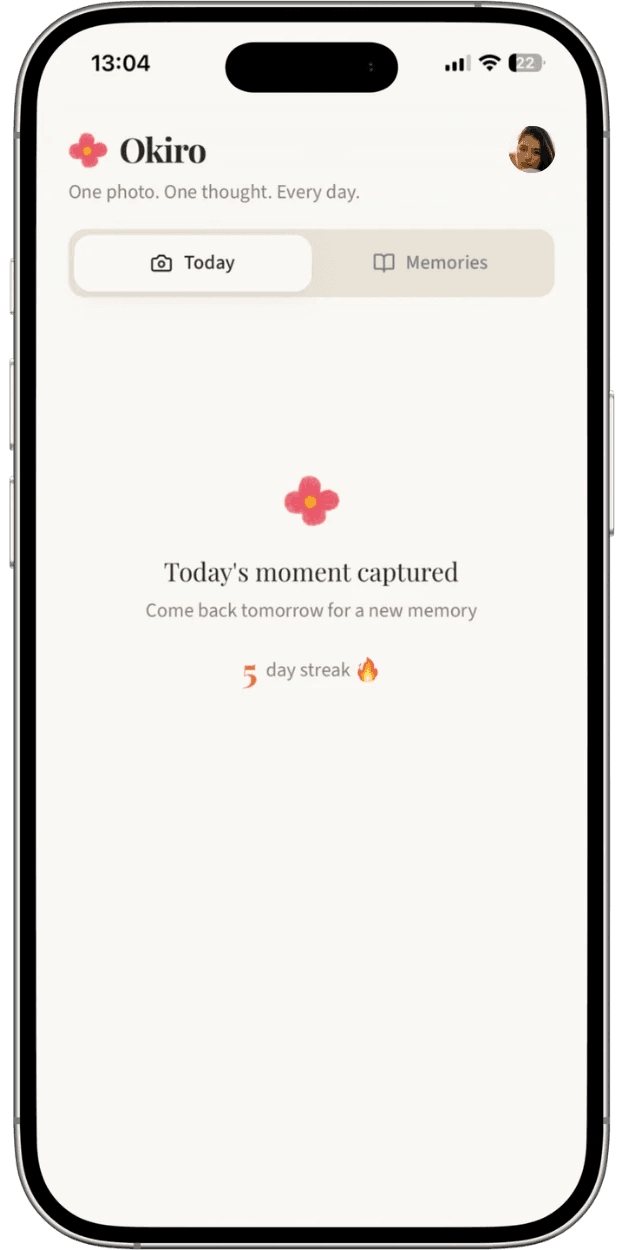


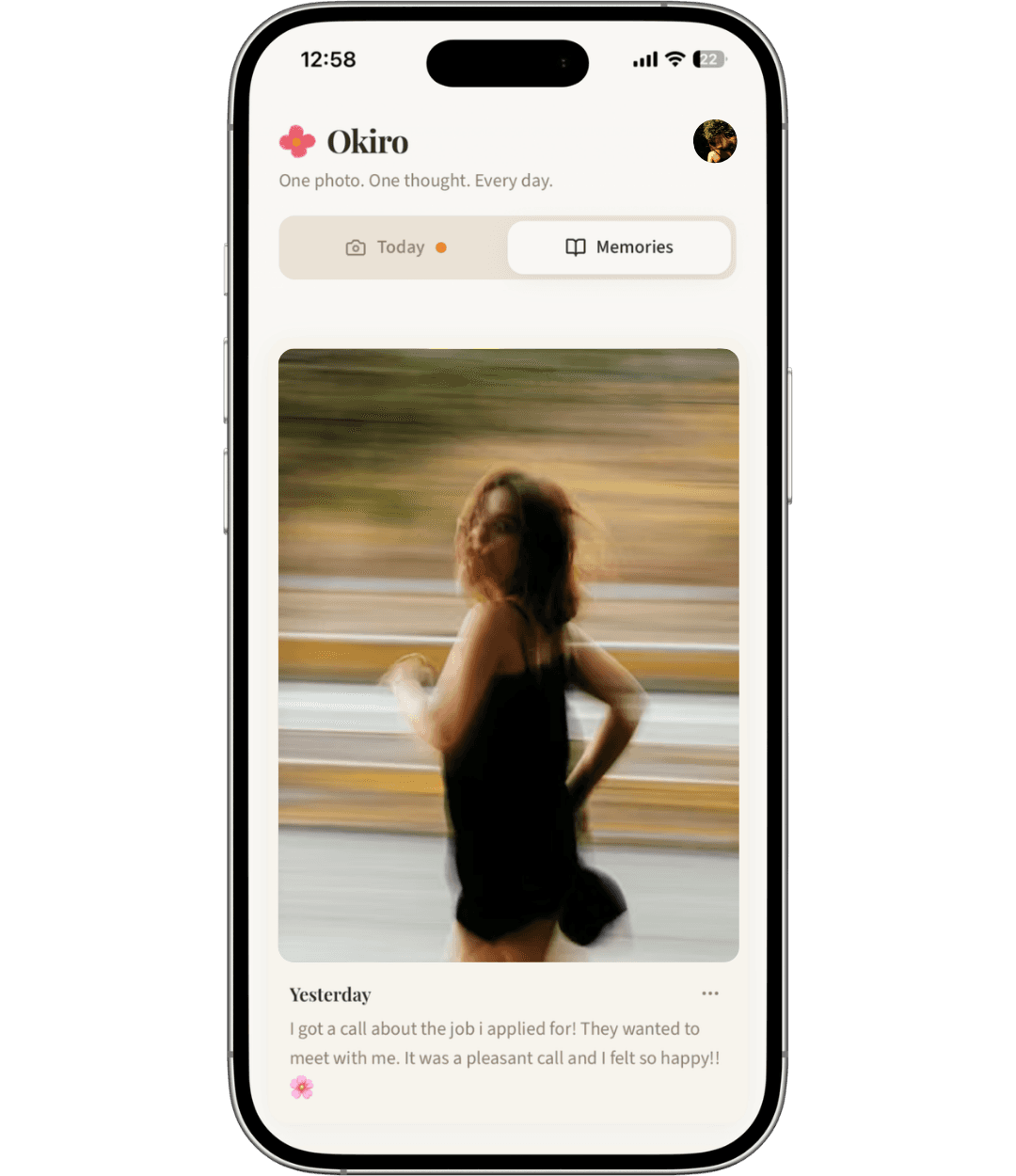
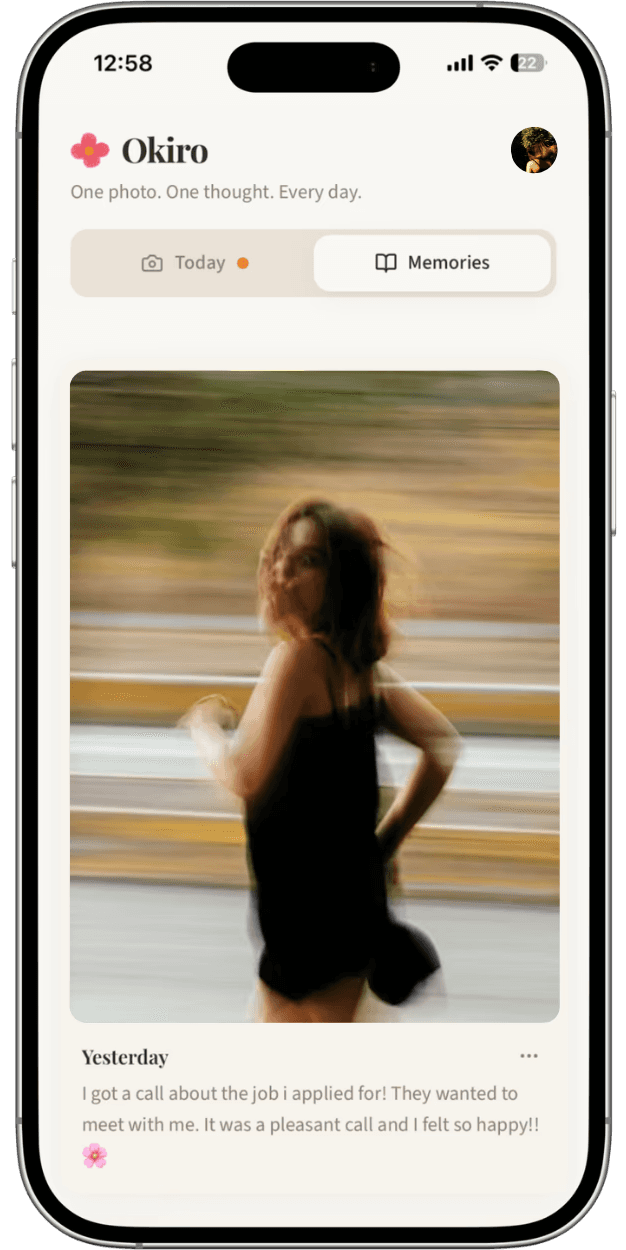
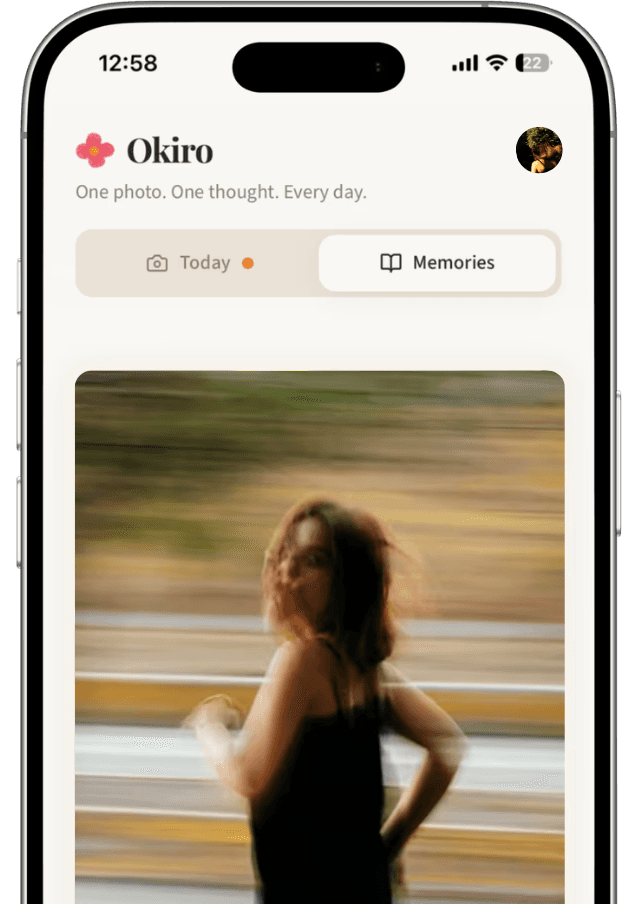
Step 1: Visit the app at okiro.online and tap the Share button at the bottom of Safari
Step 2: Scroll down and tap "Add to Home Screen"
Step 3: Tap "Add" and Okiro appears and acts as a regular app on your home screen
Step 1: Visit the app at okiro.online and tap the three dot-menu in the top right
Step 2: Tap "Add to Home Screen" or "Install app"
Step 3: Confirm and Okiro appears and acts as a regular app on your home screen
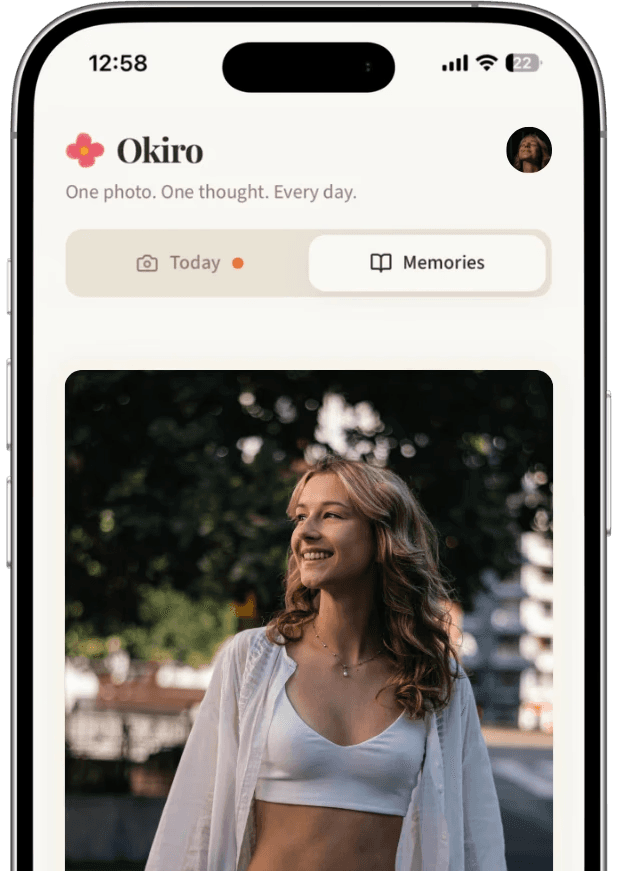
When signing up to Okiro you can choose between Google sign in, Apple sign in or email and password.
You get access to the entire app and all its features – including all the features we are bringing in the future.

FAQ
Release Notes
11.05.2026
We've made your memories even more privat. Every photo you capture is now privately secured before it ever leaves your phone. Only you can see them — not even we can peek.
We've also fixed an issue where some users had to resubscribe to download their memories after their subscription ended. You can now open and download everything you've saved – even if you don't have any active subscriptions. Also downloading memories reliably packages every photo into a single zip.
Daily reminders should now be more reliable across iPhone and Android — including when your phone reschedules things in the background. iPhone users get a clear hint to "Add to Home Screen" first, so notifications truly work.
Returning from Stripe after starting your subscription now lands you in the right place with a clear confirmation.
21.03.2026
Fixed an issue where some images wouldn't properly load back inn when the user exited and re-entered the Memories-feed. This was a bug that followed our previous encryption and privacy update.
19.03.2026
Enjoy a faster experience! We’ve upgraded our image format from JPG to WebP. This means that the app stays snappy and responsive while keeping everything looking sharp. It also gives us more headspace on the cost of storage, meaning we can still keep our prices at a bare minimum for your convenience.
17.03.2026
We fixed an issue where multiple scroll zones made the app difficult to use and cause some images to get "stuck" behind the header of the app.